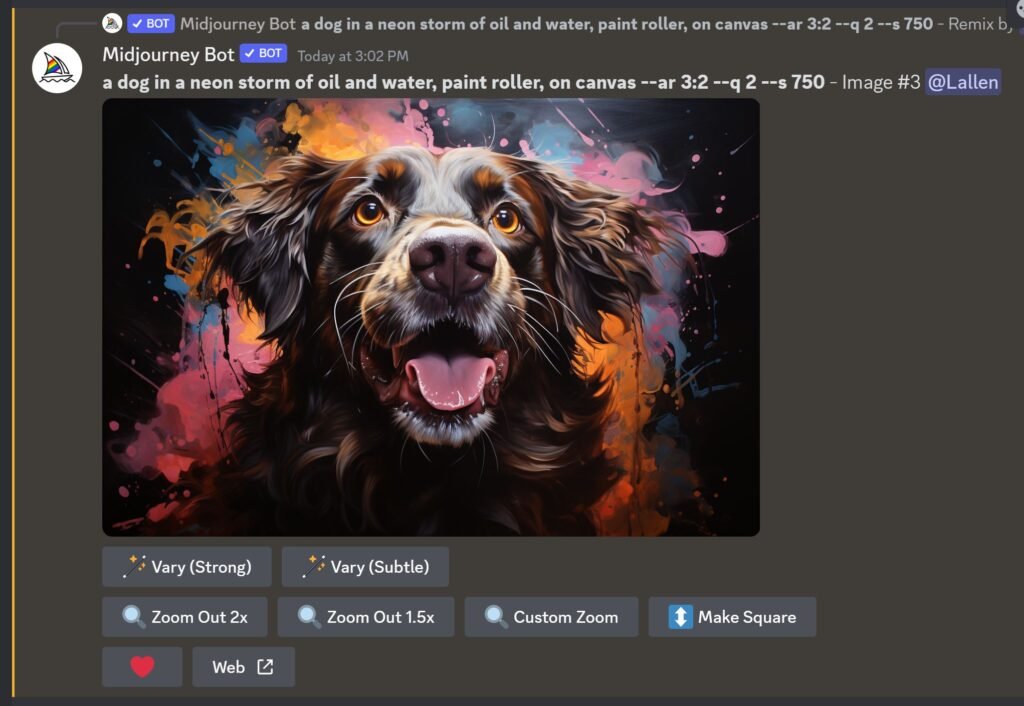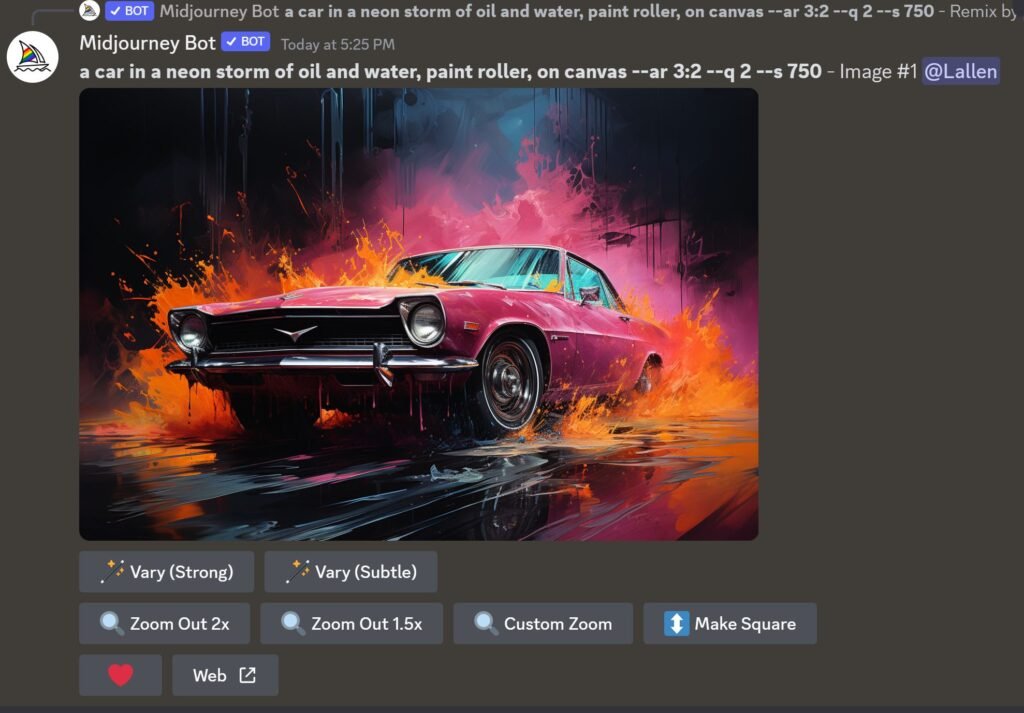
With Midjourney 5.2, it's easier than ever to create a consitant style using different subjects.
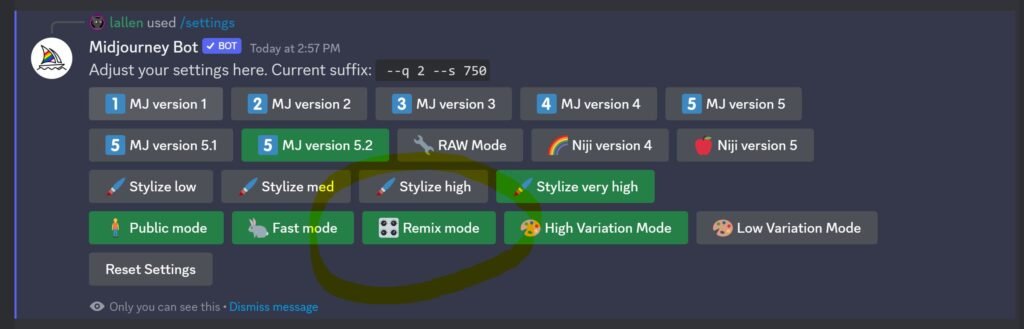
1: First, make sure that you have remix turned on. Select /settings and select the remix option.
2: Create a prompt with a style you want to duplicate.
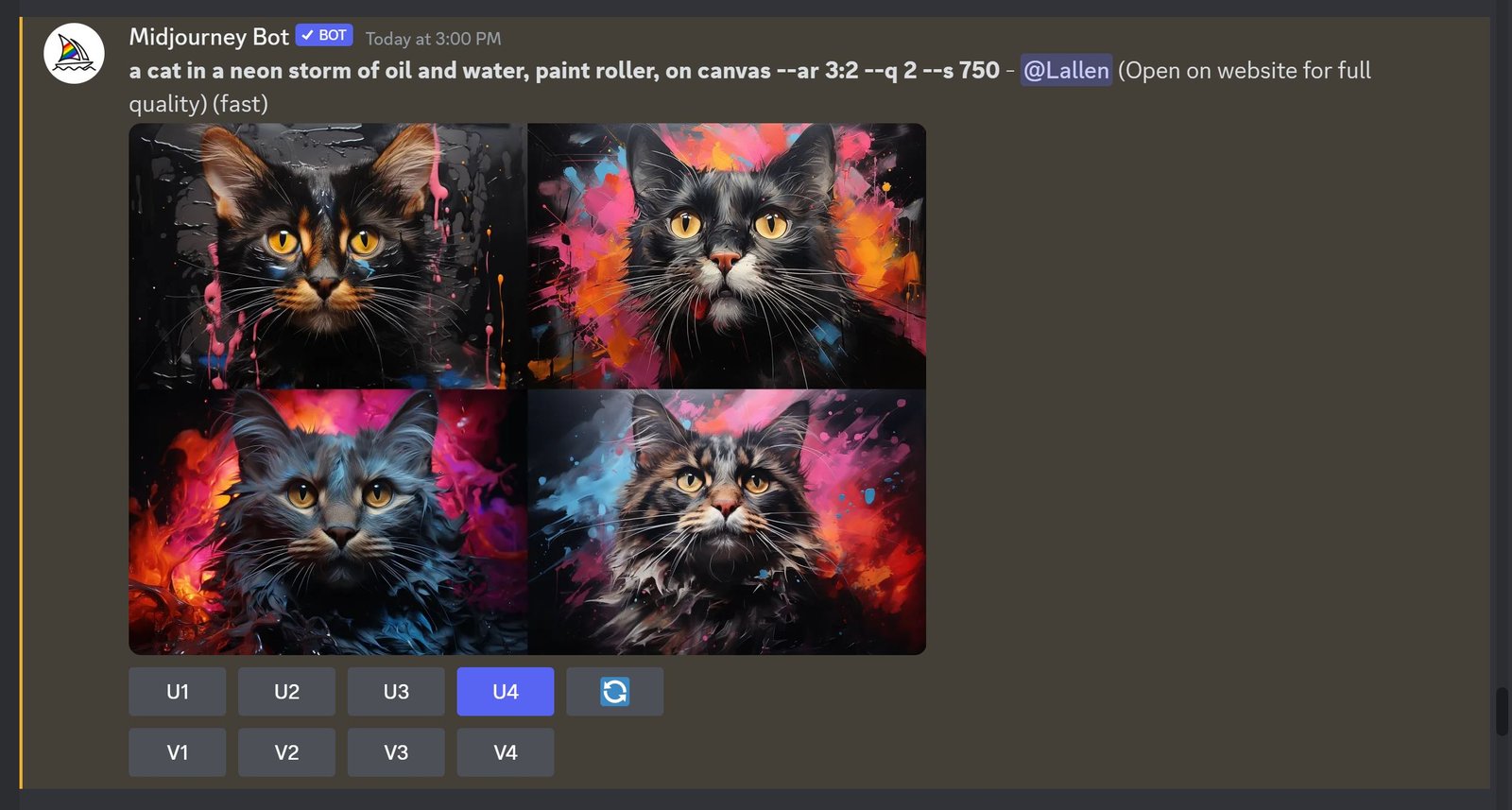
3: Upscale your image.
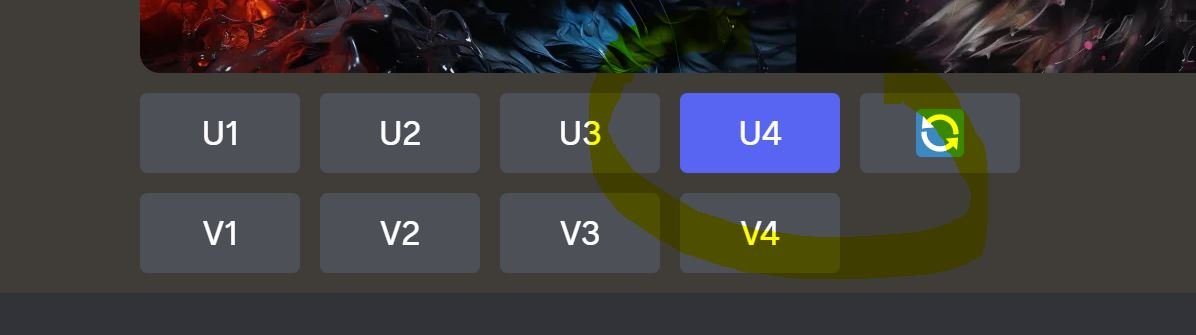
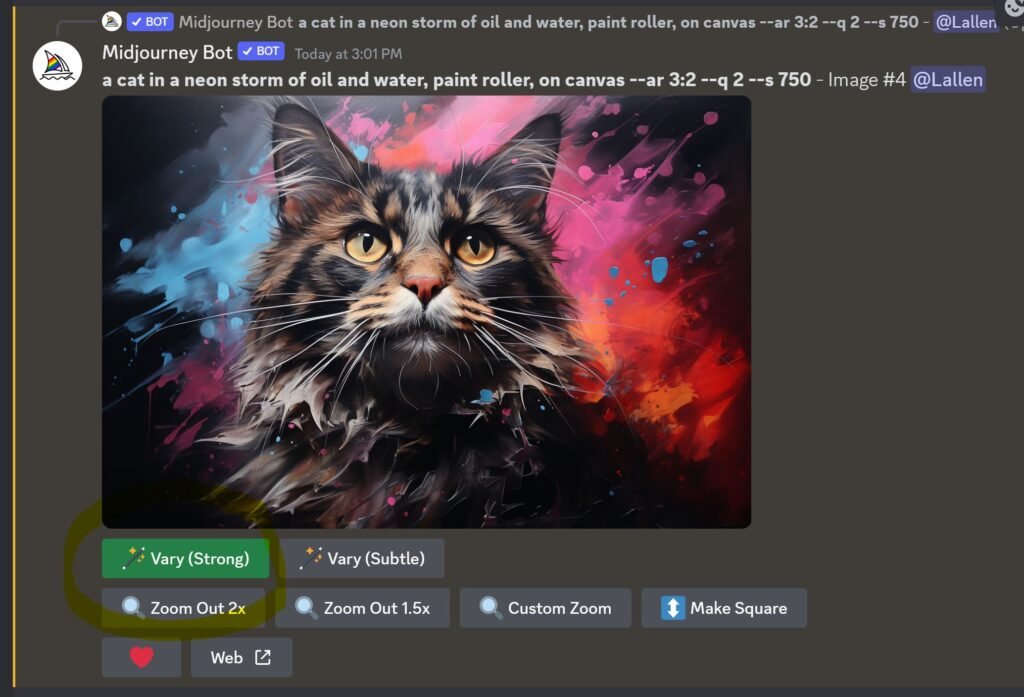
4: You can now select the Remix/Vary button (recenly renamed to VARY) in order to get the Remix dialogue box. If you do not have remix on, the dialogue box will not appear).
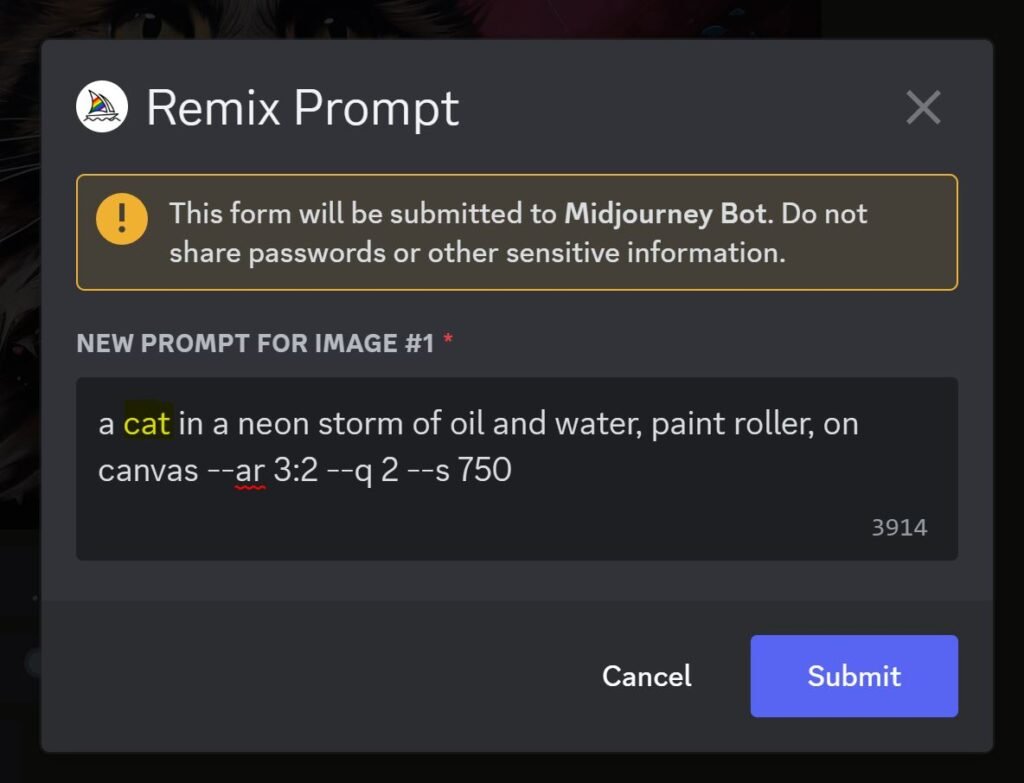
5: Change the main subject of the prompt but leave the rest of the text in place.
If you are using Stylise (--s) or Chaos (--c) you'll want to remove those too, as this will only result in less similar images.
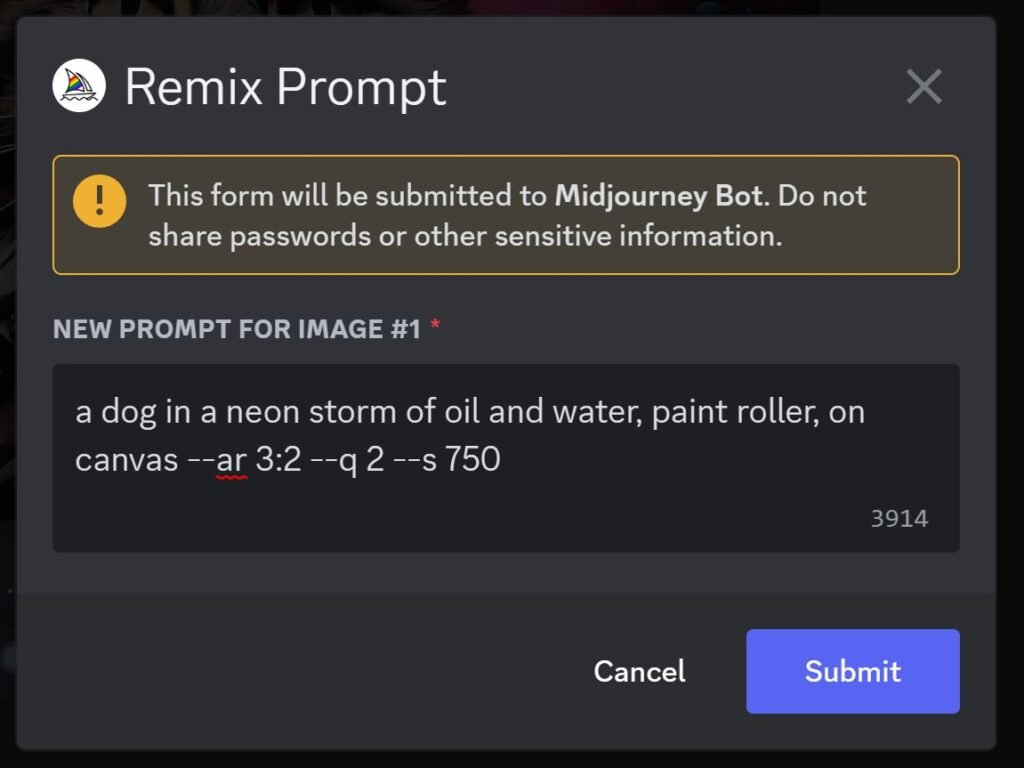
6: You can now craete consitant styles with different subjects.